Getting Back Into the Swing of Things
Due to my own folly, it’s Erin’s Terrible, Horrible, No Good, Very Bad Humanities Semester, so I have picked up a new project to give myself something techy and mathy to sink my teeth into. The alternative was I automated my entire minecraft GregTech base with OpenComputers and that feels … less productive. I would learn Lua, though. IRL, there’s been an ESP32 dev board sitting at my desk for ages, and I finally decided to do something with it. I don’t know what yet, but that can come after we remember how real life electricity works.
The specific dev board I have is the ESP32-C3-DevKitC-02, based on the ESP32-C3-WROOM-02, and has built-in Wi-Fi and BLE. It also has the official documentation, and nothing else is available online. This was an ongoing theme. Technically you can program one of these with Arduino, and I wasn’t aware of anything else at the time. I certainly wasn’t going to learn an entirely new IDE and language, which is effectively what Espressif’s ESP-IDF system is. So I grabbed the arduino-cli executable from the arduino website, added the esp board definitions, and we were off.
Kind of.

Oops. You have to be in the ‘dialout’ group in debian to access a serial port. Good to know!
After that, we were off! My first task for myself would be to use the onboard RGB led. Seems simple enough, should be helpful for debug later, right? Some searching for how to do this leads me to a reddit post (never a good sign) which says you can use the onboard RMT peripheral to control the LED. The what? Once more we wind up on Espressif’s documentation, learning that RMT is apparently intended to be used for infrared control signals but is broad enough to be used for a variety of purposes. I feel a headache coming on. I see the looming spectre of bit-banging the neopixel protocol hanging over me, and begin to dream of automating the production of EV circuits with AE2, a process just as tedious, but one that involves less reading of technical documents, and somehow has a larger, more helpful community.
Then I discovered, buried in a github repo of ESP32 example code, that Arduino just… has a function that controls neopixel-esque LEDs. rgbLedWrite(RGB_BUILTIN, red, green, blue) just… works. This is presumably discussed somewhere about an Arduino board that ALSO has an onboard RGB, but the esp-arduino project is not nearly as well-documented.
Then my friend Hunter, who had been present for about half of my struggle, asked why I wasn’t using CircuitPython or something a little easier to use than Arduino. “What’s that?”, I asked.
What’s a CircuitPython?
CircuitPython, I discovered, is a neat little piece of firmware for certain microcontrollers that uses Python instead of C. I am much more familiar with Python as I am a filthy casual, so this was very exciting to me. Also, if your board has wifi, like mine, you can just write code to it over the network? With minimal setup??? VASTLY improved experience.
So now we’re back to our first hurdle of the LED. There’s a low-level control library called neopixel_write built in to CircuitPython, not really intended for use on its’ own, but we only have one LED. It works just fine. We don’t have the right board definitions to address pins by board.D8 (once again, not documented) so we have to address pins by microcontroller.pin.GPIO8, but it works! And in much less time than struggling with Arduino. Now we get to move on to something more complicated!
The Curse of the Broken Sensor
The first thing I find rattling loose around in the bottom of my “random electronics stuff” bin is a BME280 breakout board. It’s a neat little sensor, does temperature, humidity and pressure. You can get pretty accurate with it, so it’s also useful as an altimeter. I’m not doing a lot of altitude changes these days, but maybe my final project is a DIY smart thermostat? (“Why not something that doesn’t end with you freezing if it breaks in the middle of the night?” Hunter asks. Nonsense!) Okay! So we need an I2C interface. CircuitPython makes this easy, we just define an I2C bus and off we go. Do we have integrated pull-up resistors? It’s not anywhere that I can find, so we make our own. (page 161 of the 902 page technical manual of the ESP32-C3 says we do, indeed, have them, but oh well). So, we hook up SCL and SDA, and run an I2C scan to find the address of the sensor.
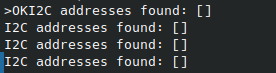
Hmmm. What are we missing? Scouring the BME280 datasheet, we discover that the two other pins must also be pulled high or low, to select the I2C bus, rather than the SPI, and to set the least-significant bit of the I2C address.
Okay, restart!
Huh. Okay, what else is in The Bin? We have a combo accelerometer and magnetometer! Less useful in this moment, but maybe we want to create a tracking telescope for astrophotography later. Let’s give that a shot!

Yay! It’s not me. That sensor is broken. Good to know.
Bread Break
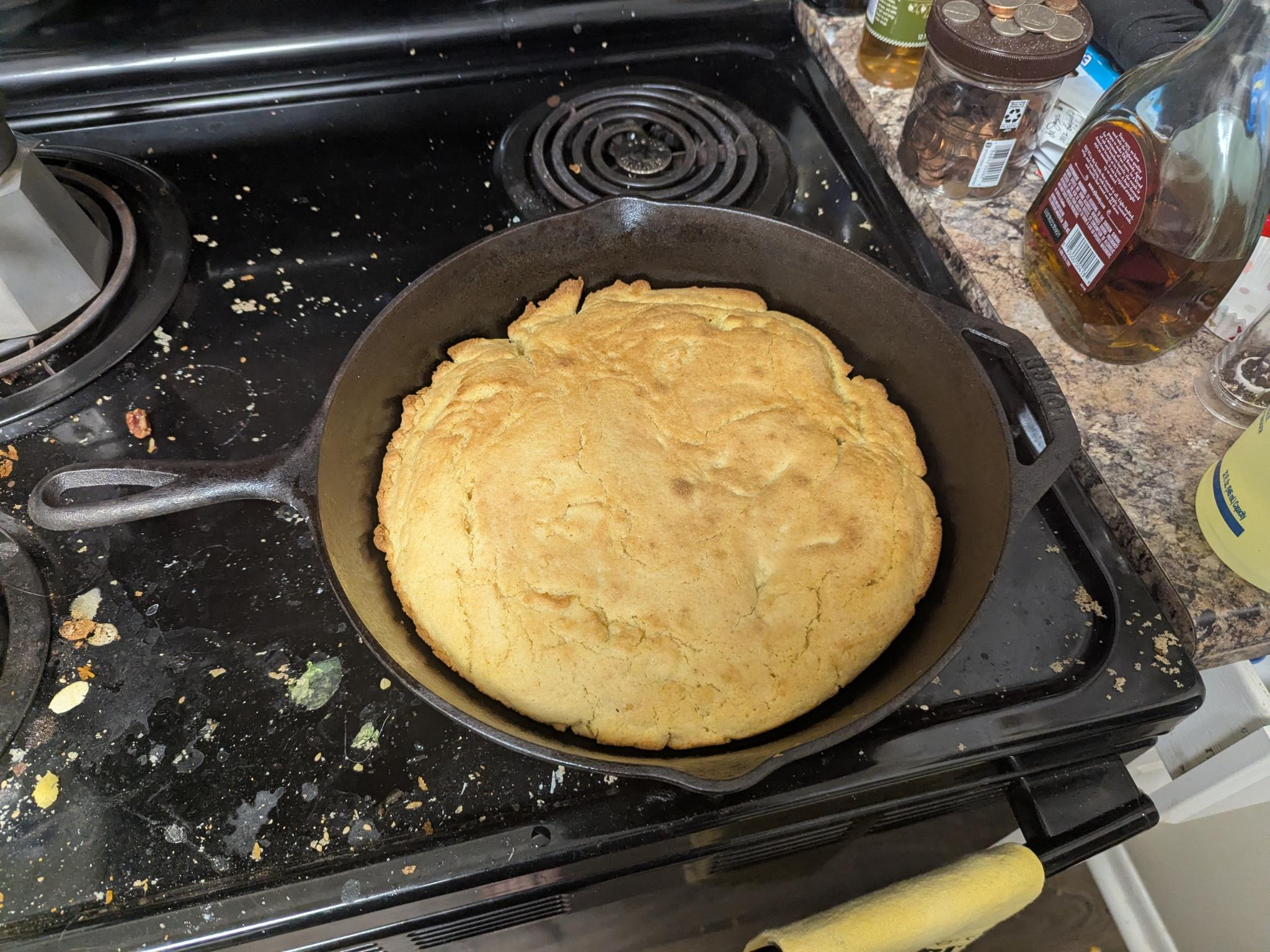
I’ve been enjoying this cornbread recipe recently. It feels very traditional in the cast iron, and you make it by putting the fat in the hot pan, letting it melt, then pouring the batter on top. I may have ‘accidentally’ eaten cornbread for several meals recently.
Dry Ingredients:
- 1c flour
- 1c corn meal
- 4tsp baking powder
- 3tbsp sugar (the recipe I used says 1, but I’m a northern girl at heart, and I like my cornbread a little sweet)
- 1/4tsp salt
Wet Ingredients:
- 1c whole milk
- 1tbsp lemon juice (I never have buttermilk on hand, so this is easier)
- egg
Also:
- 1/4c fat (butter is best in my experience, but I can confirm it also works with vegetable oil, and traditionally people use lard)
Preheat the oven to 425, putting the cast iron in to heat up as well. Mix the dry ingredients together, and whisk the wet in a separate container. Wait for the oven to come to temp. When it does, take the cast iron out and heat the fat in the pan until melted. Mix the dry and wet ingredients together just until smooth, then pour into the fat in the pan. Pop back into the oven for around 20 minutes if you have a 10 inch pan, or around 15 if you have a 12 inch like me. You’re looking for a golden color, but probably a little lighter than what I have in the photo.
Enjoy!
Post-Bread
After some baking, I rummaged around in The Bin and discovered another BME280! Maybe this one works? Just need to solder some headers on.
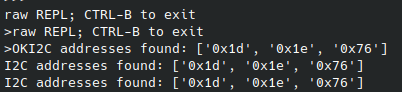
Yay! That’s our expected address. Okay, can we get data?
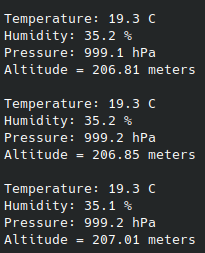
Excellent! Now what? Uh, what else is in The Bin? We have some 7-segment displays. Maybe we can display our data on that?
These 7-segment displays are run by a TM1637 chip. It uses a custom serial protocol to control which LEDs are lit. Luckily, there’s a driver to control these for CircuitPython. We copy that over to the ESP32, and run some test code.
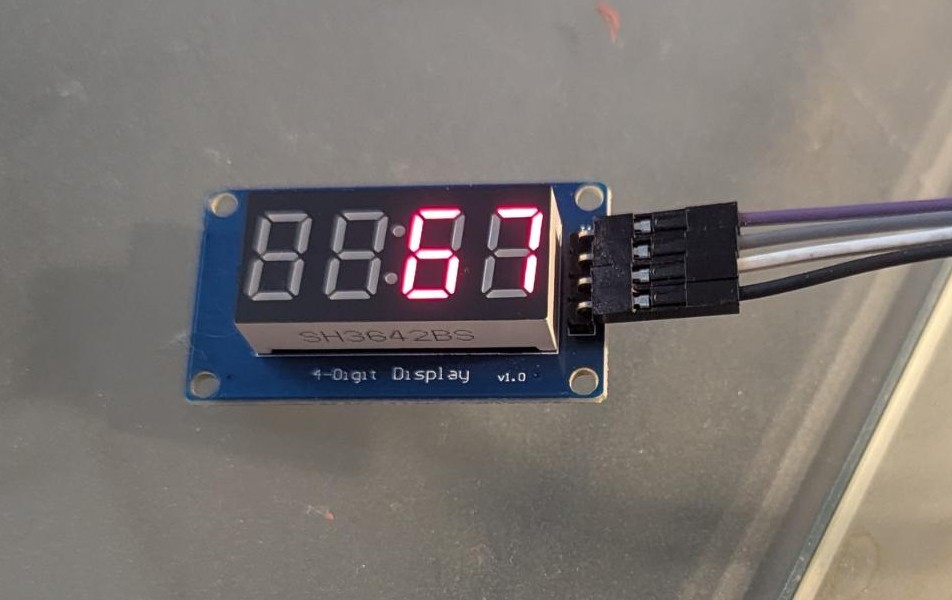
Huh. Usually something breaks by now. Neat!
This is still kinda boring though. What else can we do with this? Well, right now, we don’t know what scale this is measuring temperature in. This could be a reference to a meme I’m the wrong kind of terminally online to understand. We should fix that. An “F” is easy enough, that’s already in the driver. But what about a degree symbol? We should be able to do that, but it’s not implemented in this driver. Can we fix that?
Digging into the driver, the sixteen hexadecimal digits, plus the few other letters you can display, are encoded into a table associated with bytes. Each bit is a specific LED on a segment, with the most significant bit being left off.
//
//      A
//     ---
//  F |   | B
//     -G-
//  E |   | C
//     ---
//      D
// XGFEDCBA
Well, that’s easy enough. A degree symbol would be represented by 0b01100011. We’ll add that to the table and say it’s the letter ‘x’. Then any time we tell the driver to display an x, we’ll actually get the degree symbol. Recompile this so it’s smaller, and place our new driver on the ESP32.
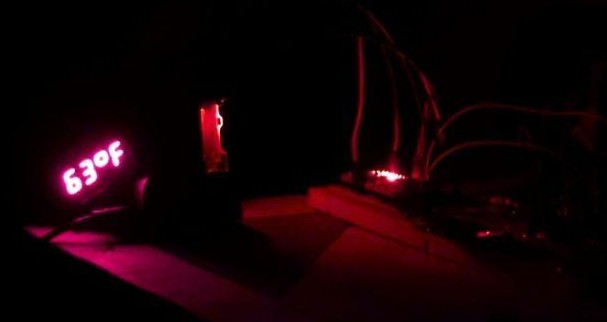
Now we know it’s kinda chilly in my bedroom, I suppose.
Display #2
The Bin has one last gift for us, which is this 128x64 OLED display. CircuitPython has two libraries for these, one framebuffer based, and another fully featured, enough to display a terminal and even simple GUIs. We only need a text readout, but it’s fun to play around with these.
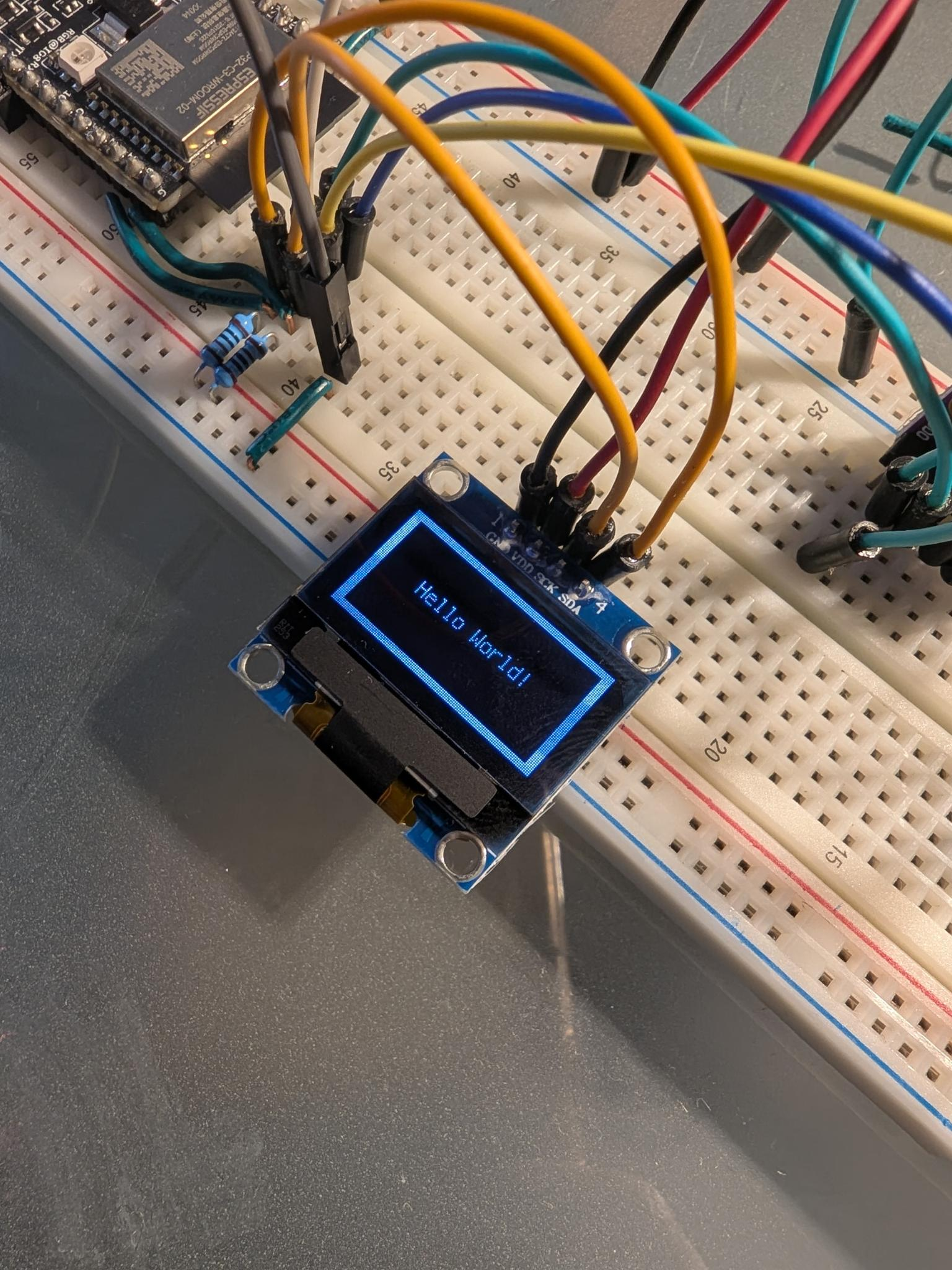
Well, that was also easy. Why have I not been using CircuitPython before. It took me ten minutes to attach this to my I2C bus and get it running. Let’s get some useful data on there.
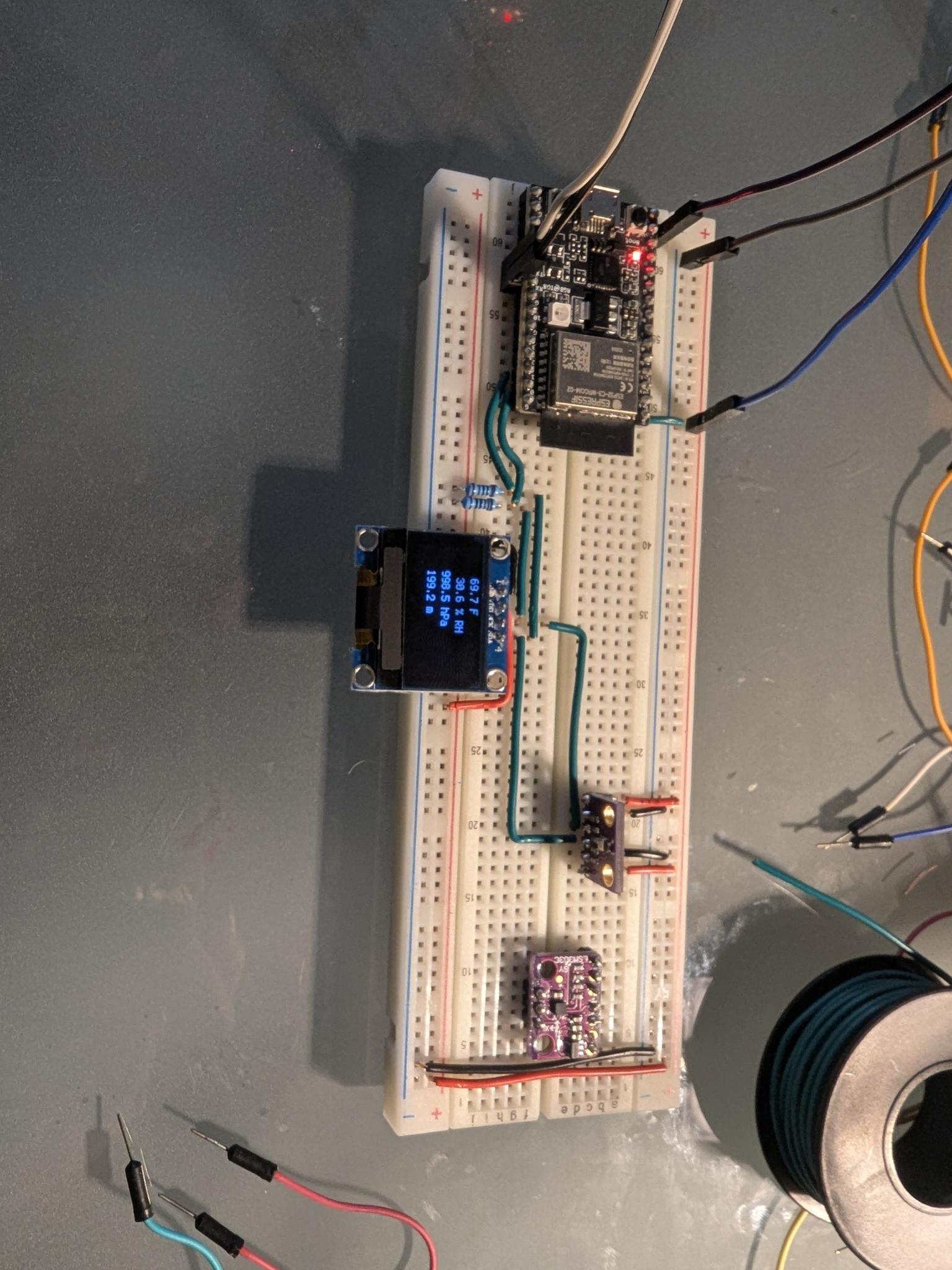
Neat! Also, look at my pretty breadboarding. Look at it. It was a lot of work and was definitely a good use of my time.
That’s all for now! Next time, look forward to the part where I reveal I actually do enjoy the humanities quite a lot and talk about Mark Twain or something else to do with American Literature. Also, more bread.